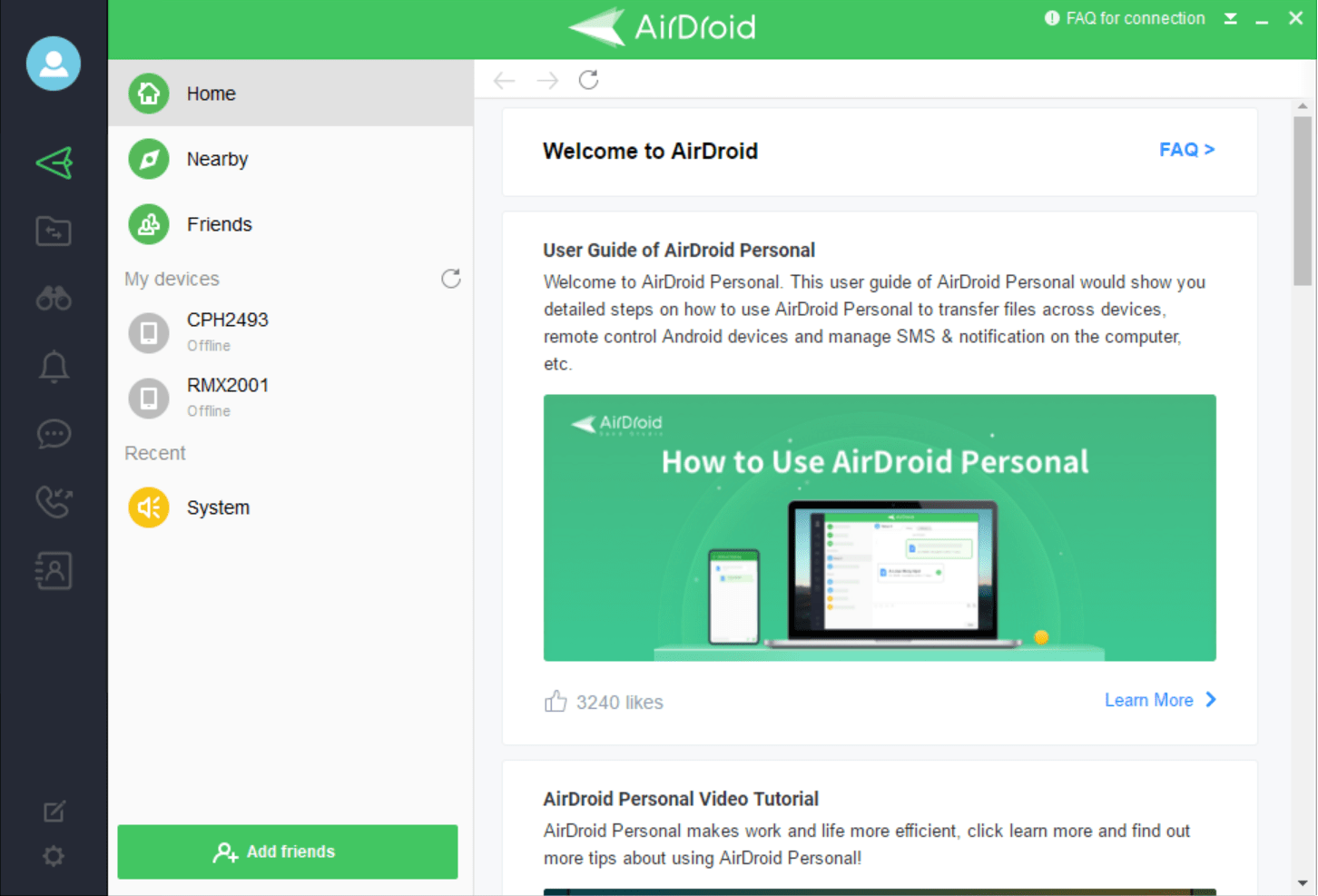
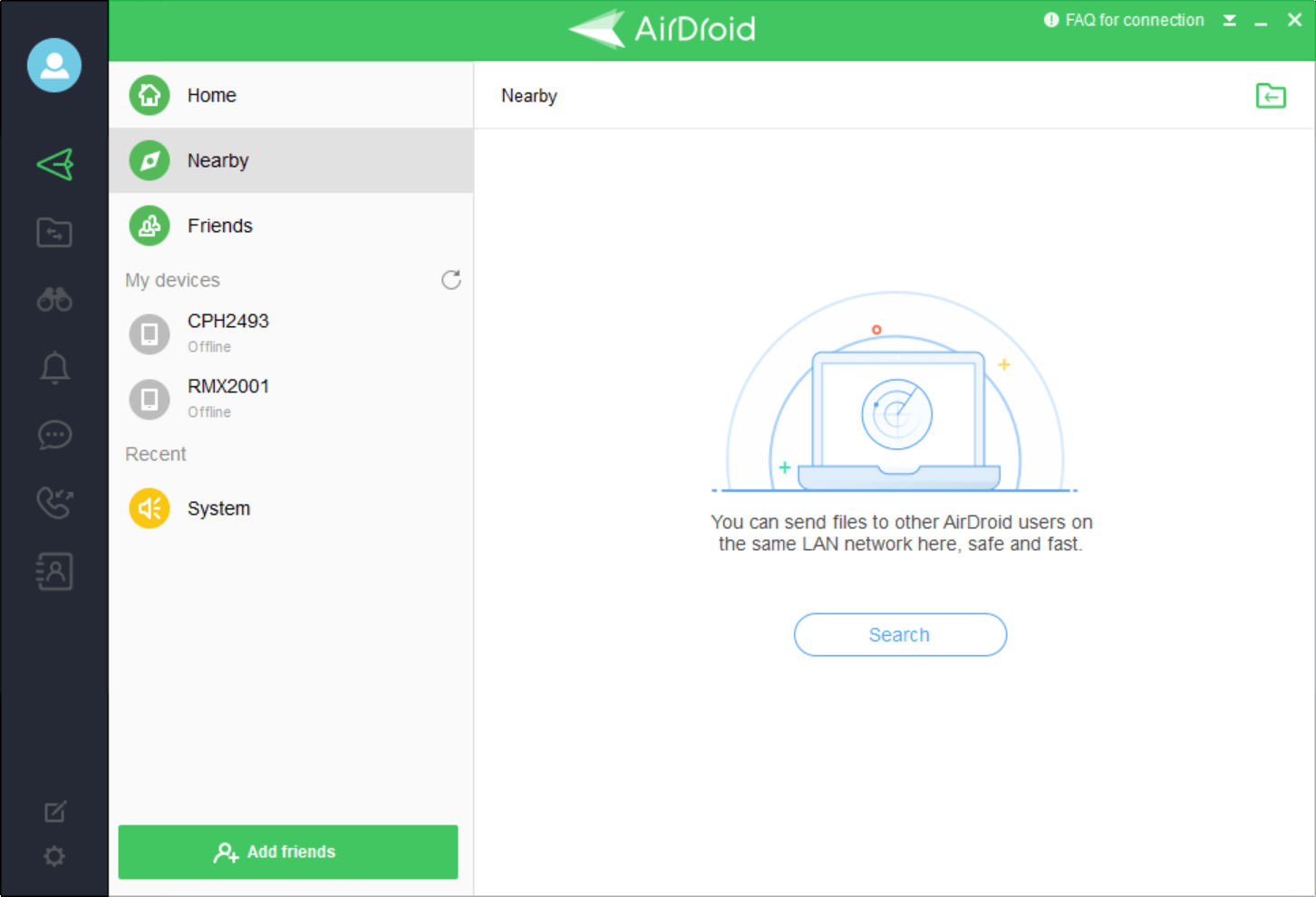
AirDroid Desktop is an application you can use to control, transfer files, and manage notifications on your mobile devices (iOS and Android) without needing to touch the phone. While there is a web portal available as well, the desktop application allows you to manage everything directly on your PC. With its excellent functionality, it is a must-have for people who want to stay distraction-free and productive.
Easy device management
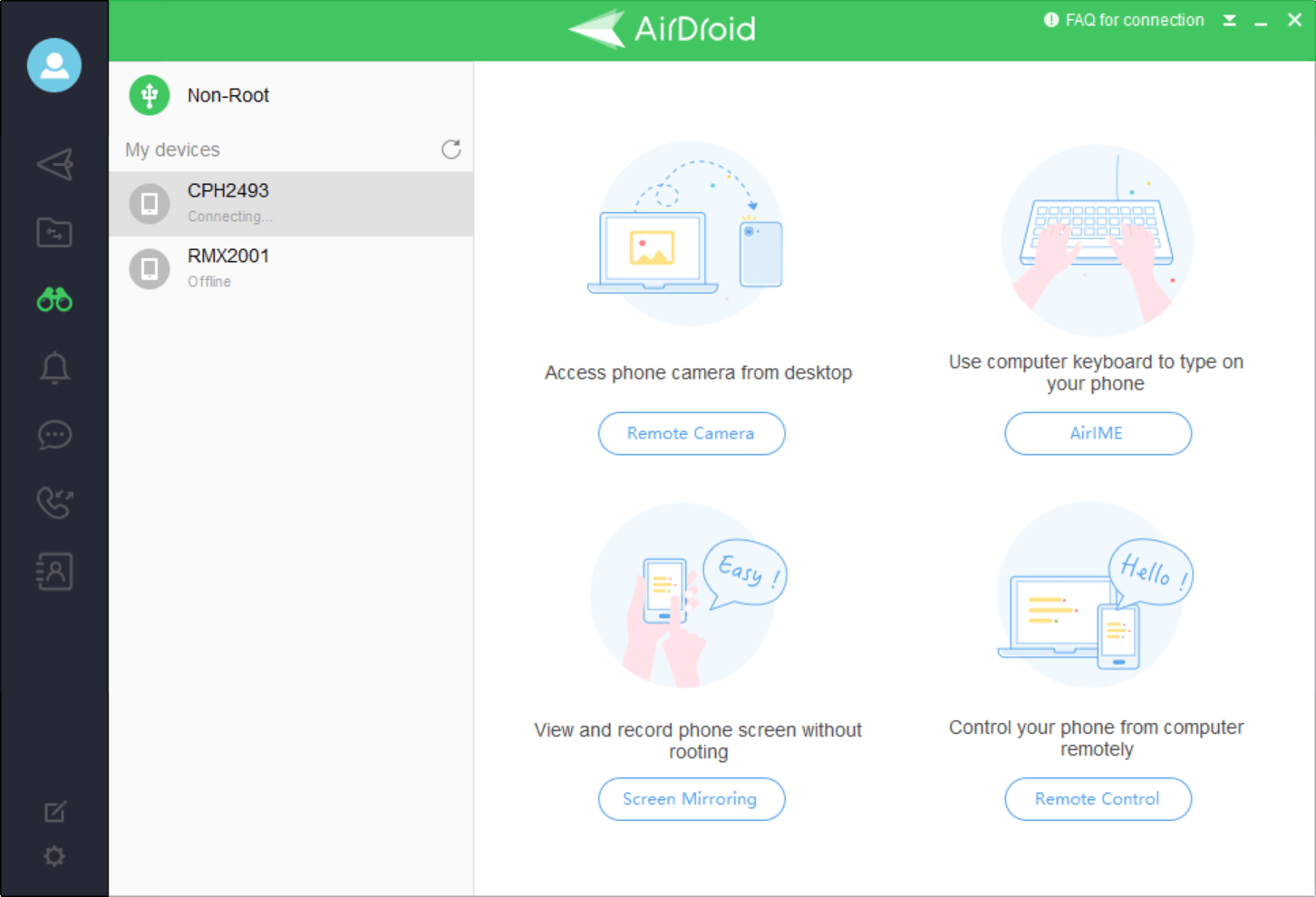
With AirDroid Desktop, you can easily connect your mobile devices to your computer without a data cable. It allows you to transfer, edit, download, upload, or delete photos, files, videos, and apps wirelessly from your PC. You can even use your device's camera remotely without attaching any cable. All you need is an internet connection on both your PC and your Android phone, and that's it.
Effortless setup
Setting up AirDroid Desktop is very easy. Here are the steps:
- Download and install the application
- Log in using your desired method (options are through Email, Google, Facebook, and Twitter)
- Sign in using the same account on your mobile device
And that's it. It automatically detects whether it's a local or a remote connection. If both devices are on the same network, it acts as a local connection with unlimited transfers. If it is a remote connection, you'll face transfer limits depending on whether you are on the free or paid version.
Manage texts and notifications through your PC
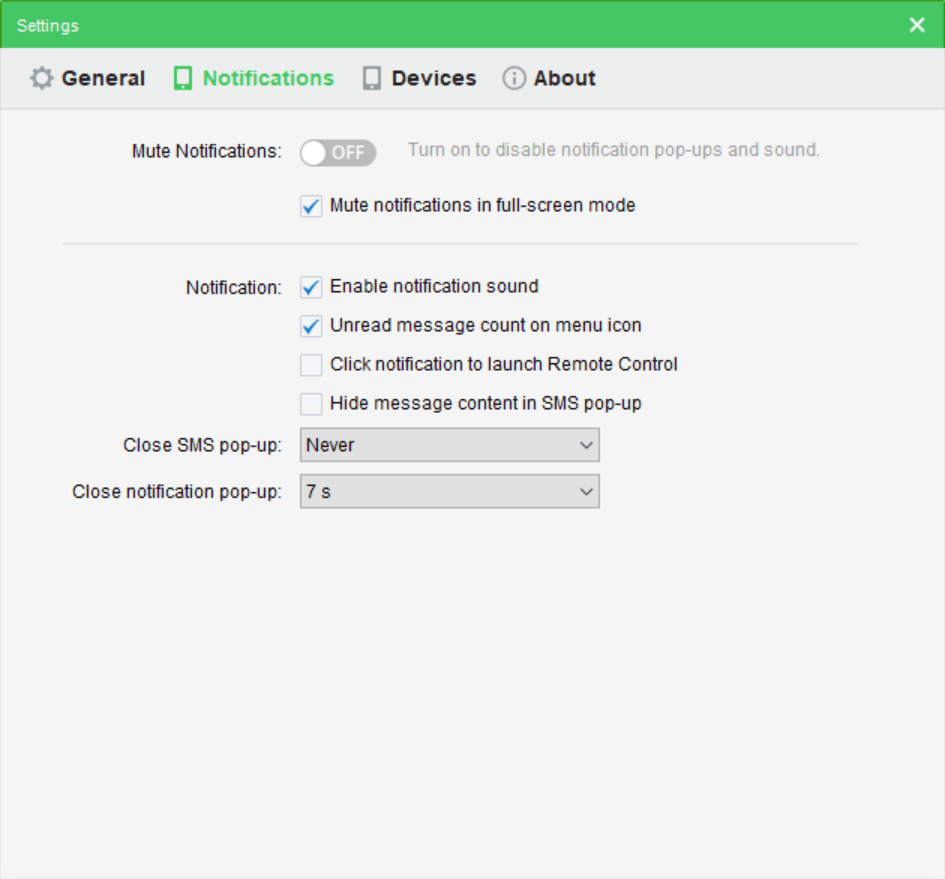
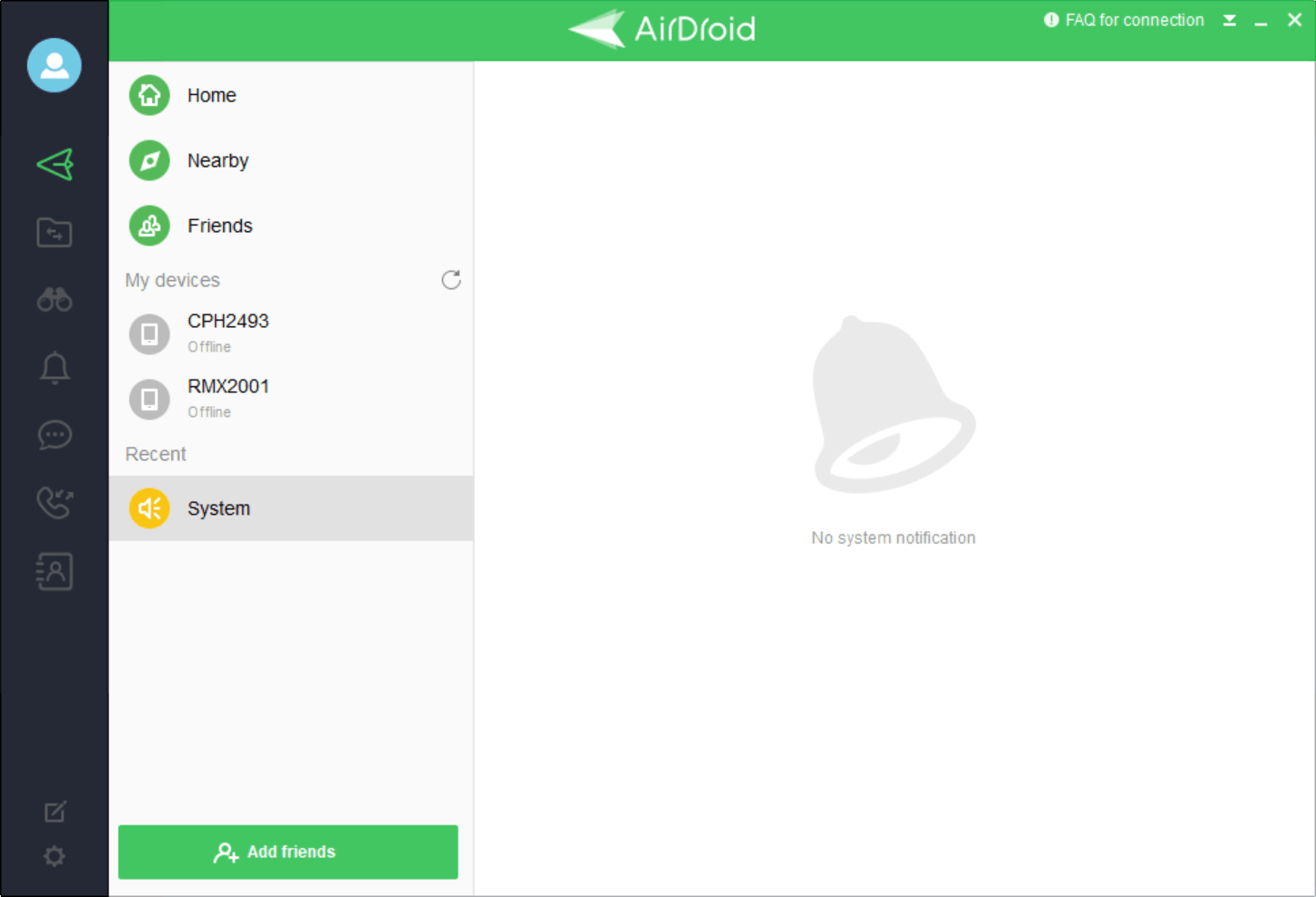
One of the most important functionalities AirDroid Desktop offers is letting you access and manage your phone's notifications and text messages. For texts, you can reply directly in a conversational format, while for other notifications, you can read or dismiss them.
Easy file transfer
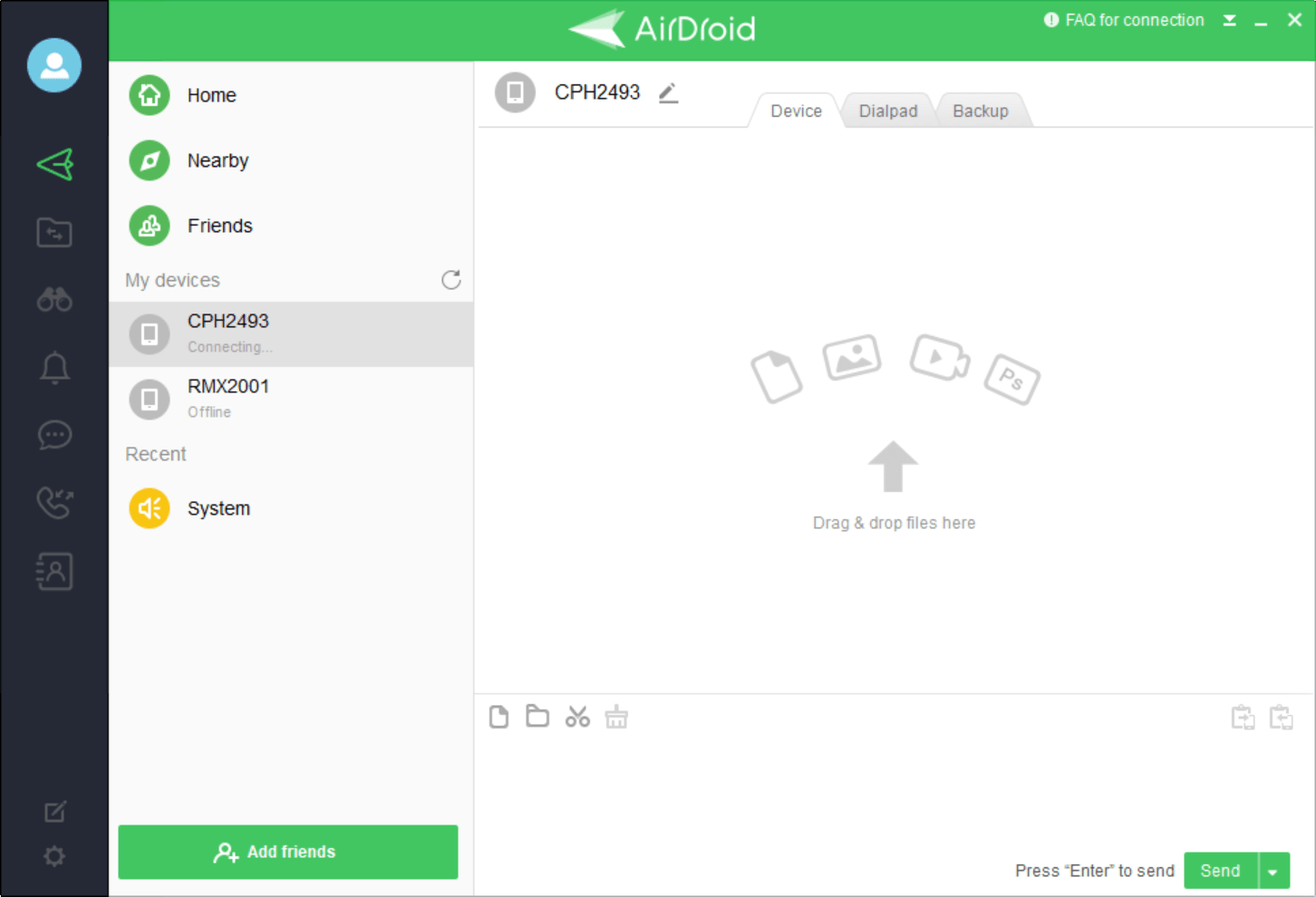
Transferring data to and from your Android or iPhone can get frustrating when you're dealing with tangled cables and manual folder management. AirDroid Desktop simplifies file transfers by letting you do it all without any cables. If your PC and phone are on the same wireless connection, you can move any data, large or small, without any hassle.
Premium features
The free version of AirDroid offers plenty of functionality and may be adequate for most users. Premium version perks include unlimited remote data transfer, remote camera access, and the ability to connect multiple devices at the same time.
Pricing varies depending on your region, the subscription duration (Monthly, Quarterly, Yearly), and any ongoing promotions or discounts.
A versatile app
AirDroid Desktop is a fantastic application that simplifies wireless data transfers between your phone and PC, remote access, notification management, and much more.